Client Functions: Change Ownership
- HostBill
Owned by HostBill
Last updated: Apr 28, 2021
You can find this section in HostBill Admin → Settings → Products & Services → Your order page → Your product → Client Functions → Change Ownership
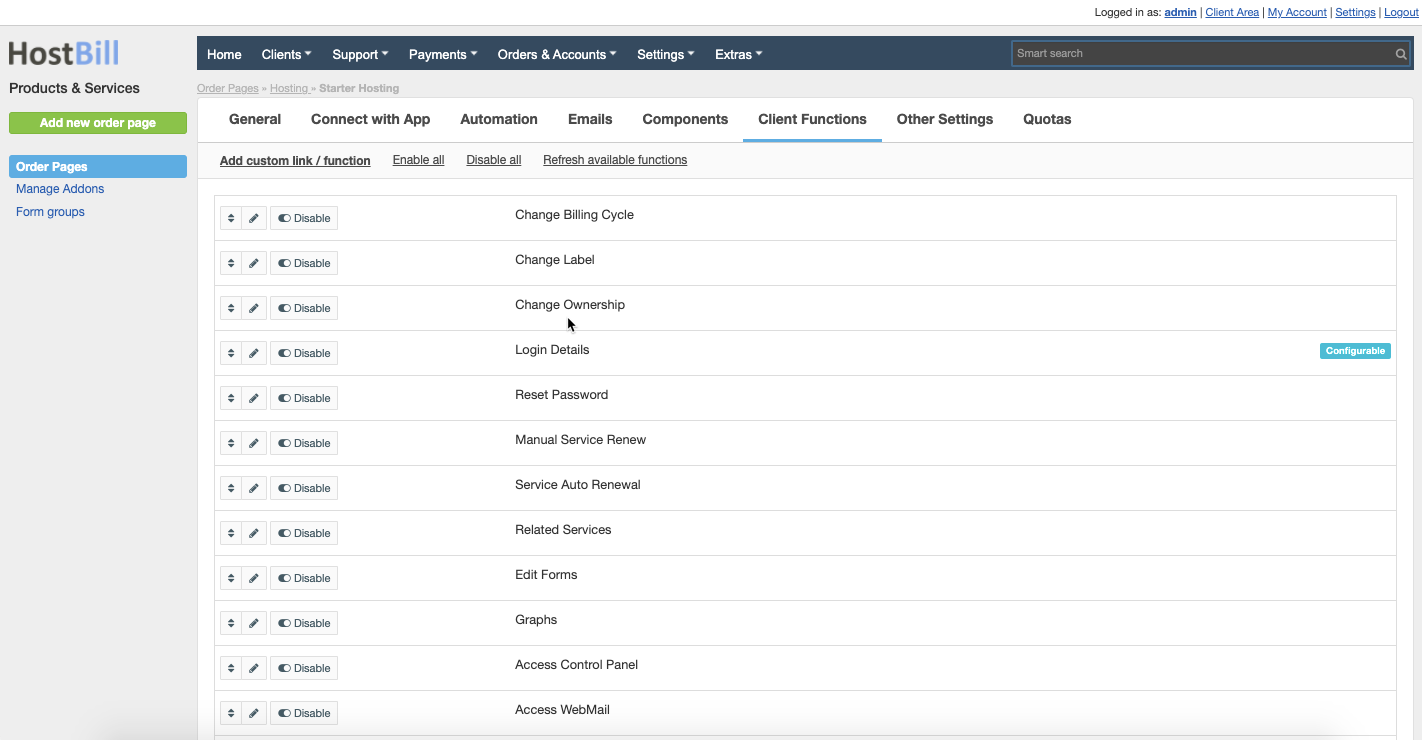
Configuration
Appearance
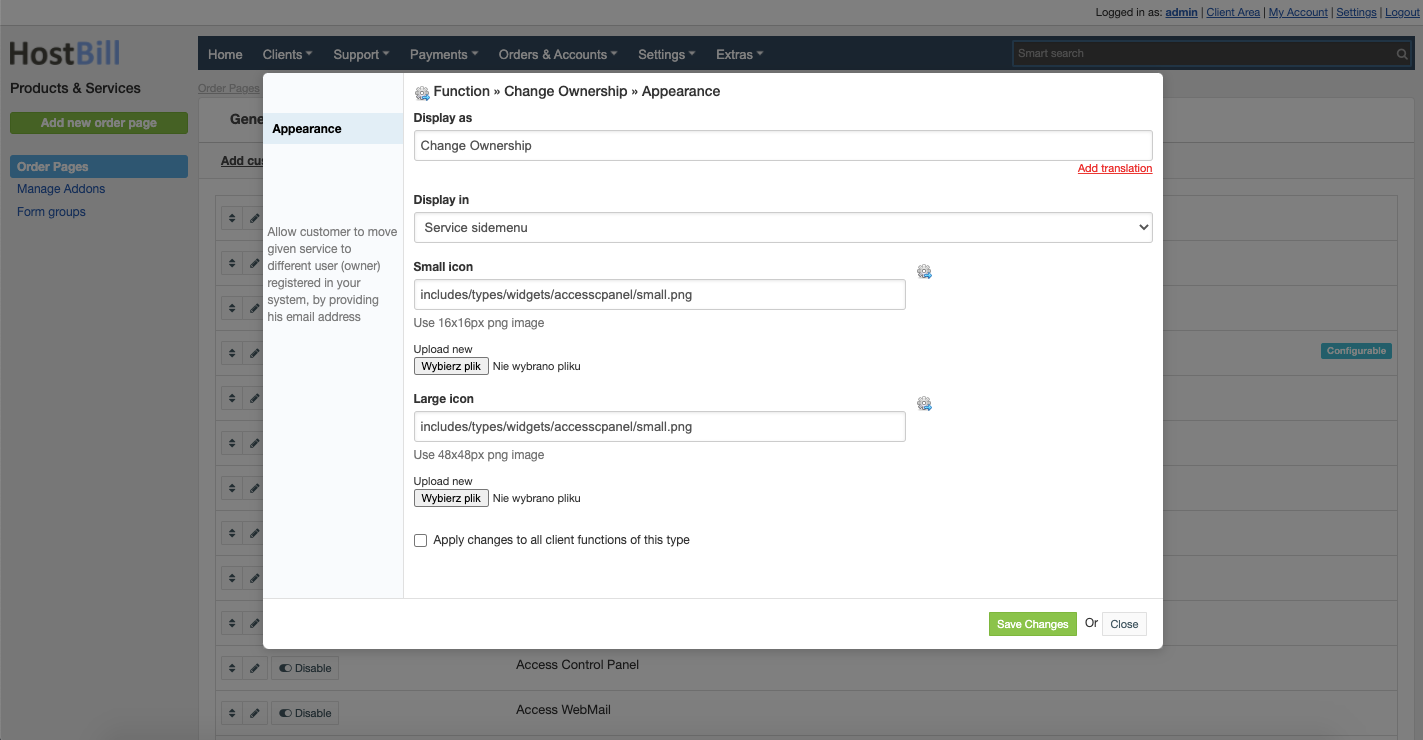
By clicking the pencil icon on the client function listing page you can edit this Client function appearance in client area. Available option are:
- Display as - name of this client function in client area
- Display in:
- Service sidemenu
- Service "apps" menu
- Small icon - you can upload the icon, use 16x16px png image
- Large icon - you can upload the icon, use 48x48px png image
You can also choose to Apply changes to all client functions of this type.
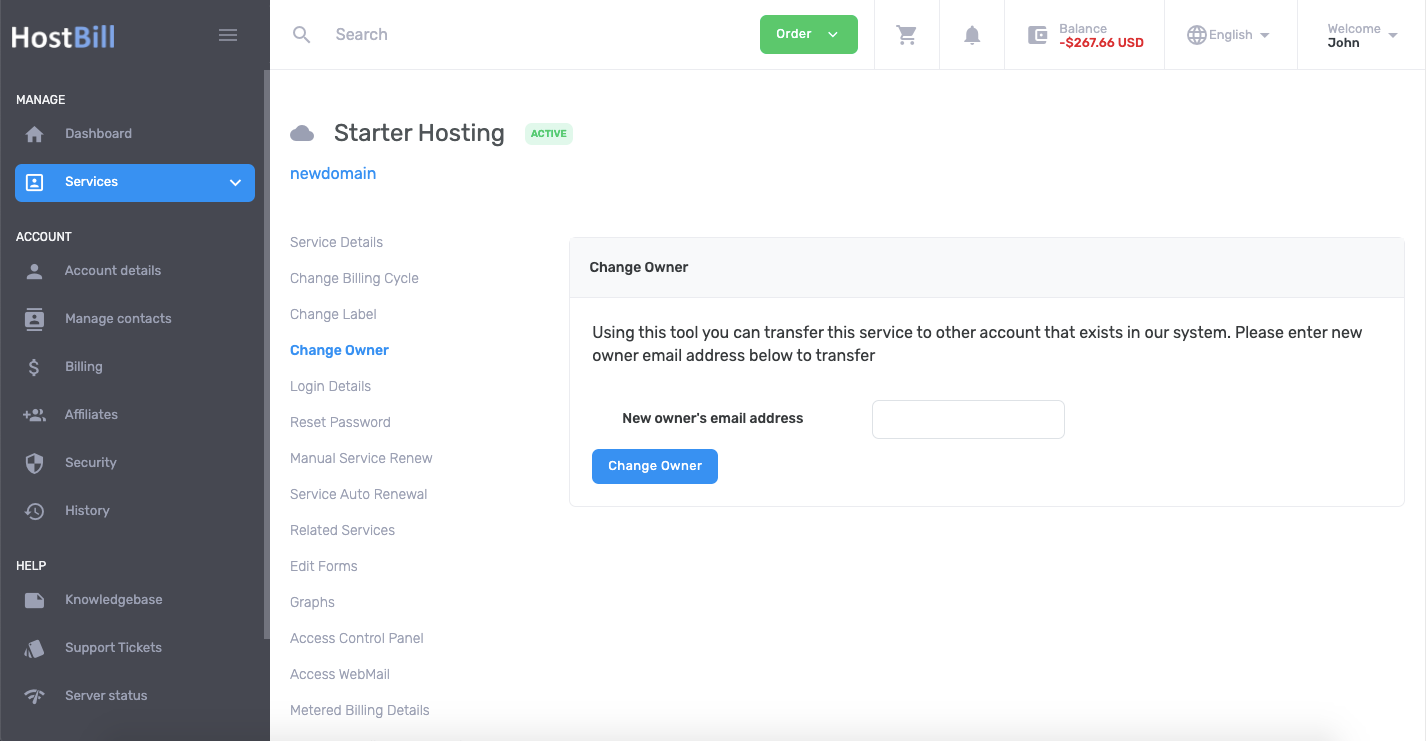
Sample Client area view
, multiple selections available,