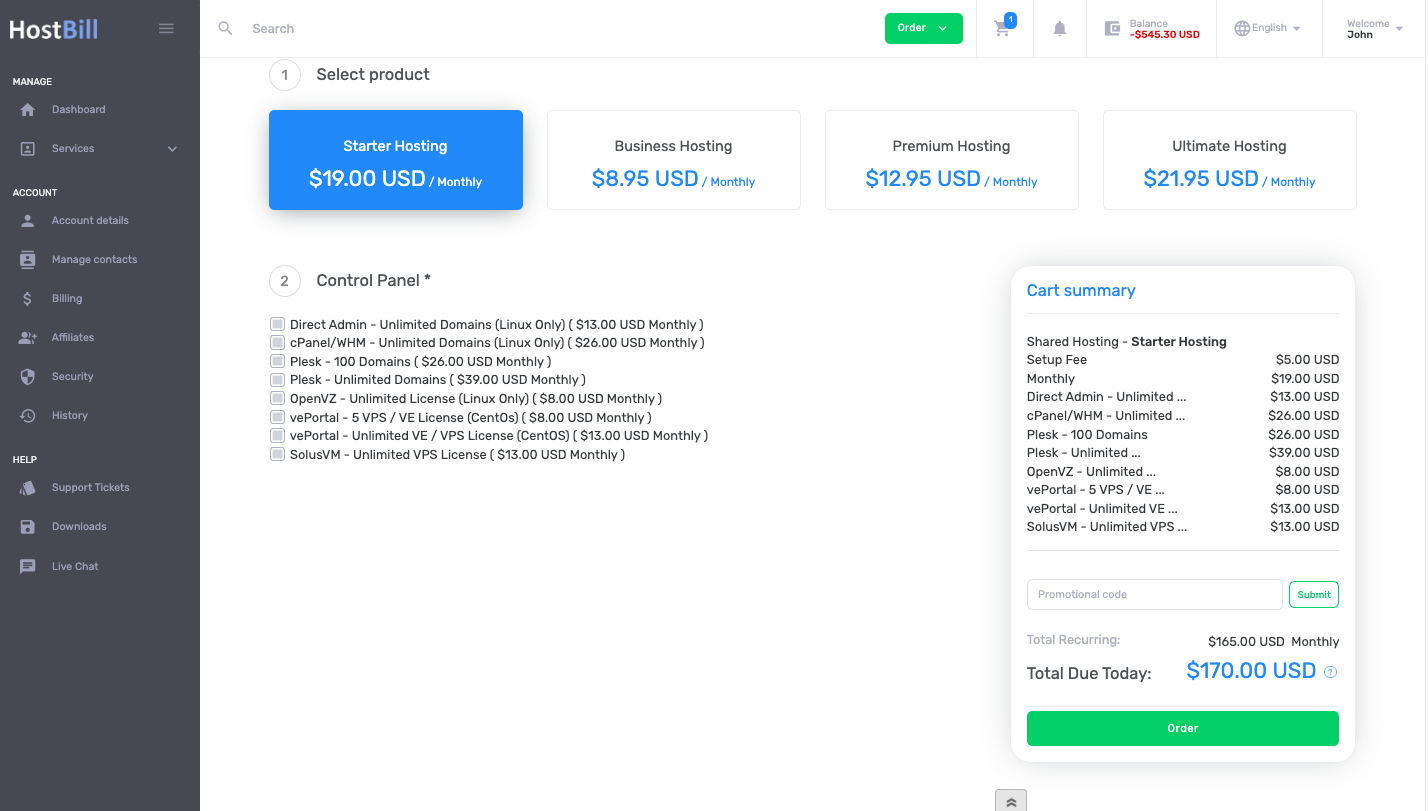
/
2019 Side Summary One Step Order Page
2019 Side Summary One Step Order Page
- HostBill
Owned by HostBill
Apr 22, 2024
Loading data...
Please note: 2019 Cloud One Step Order Page works only with 2019 Client Panel Theme
After purchasing & downloading the order page from HostBill Licenses Client Area
- Extract downloaded archive contents in main HostBill directory on your server
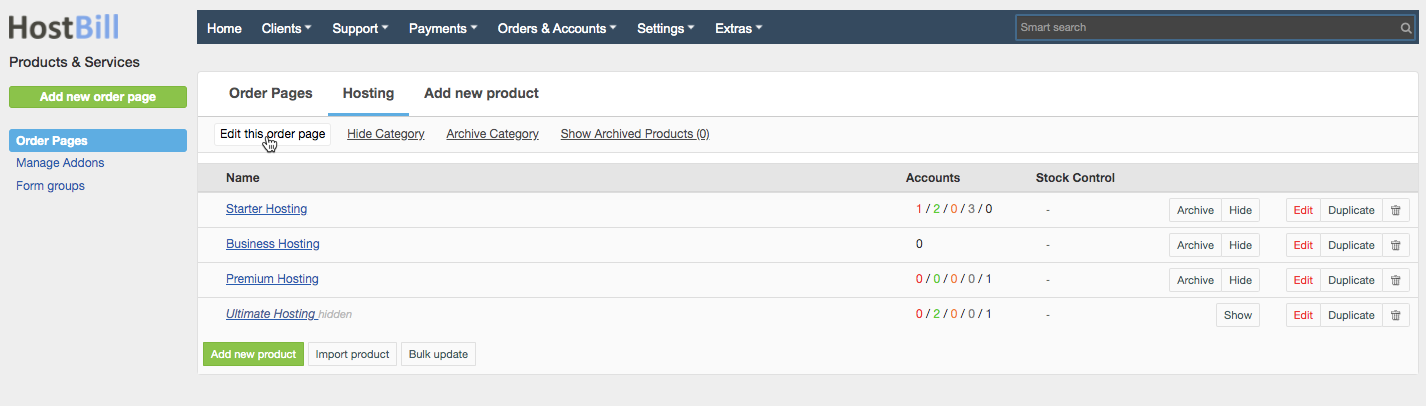
- In HostBill, proceed to Settings → Products & Services
- Select existing Order Page, or create new one
- Click on Edit this Order Page
In the Cart Template section click on the uploaded 2019 Cloud orderpage to activate/select it
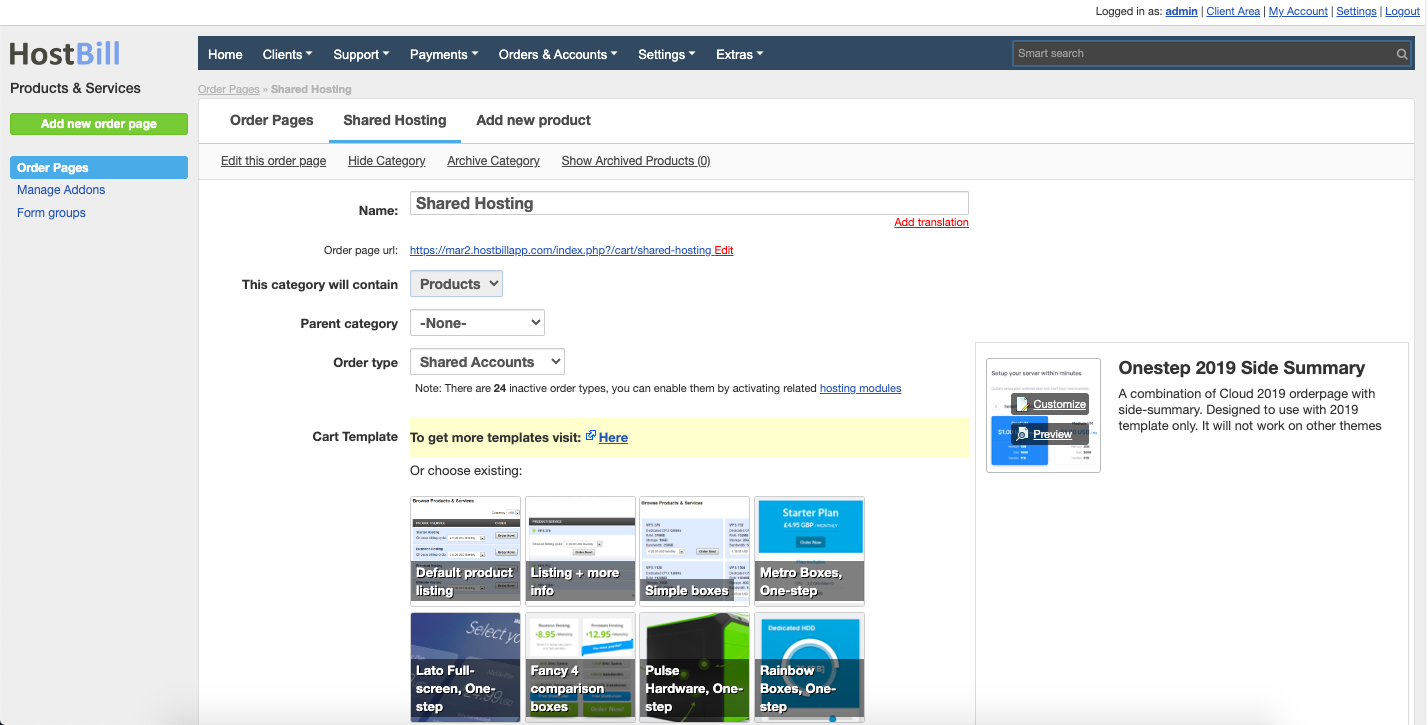
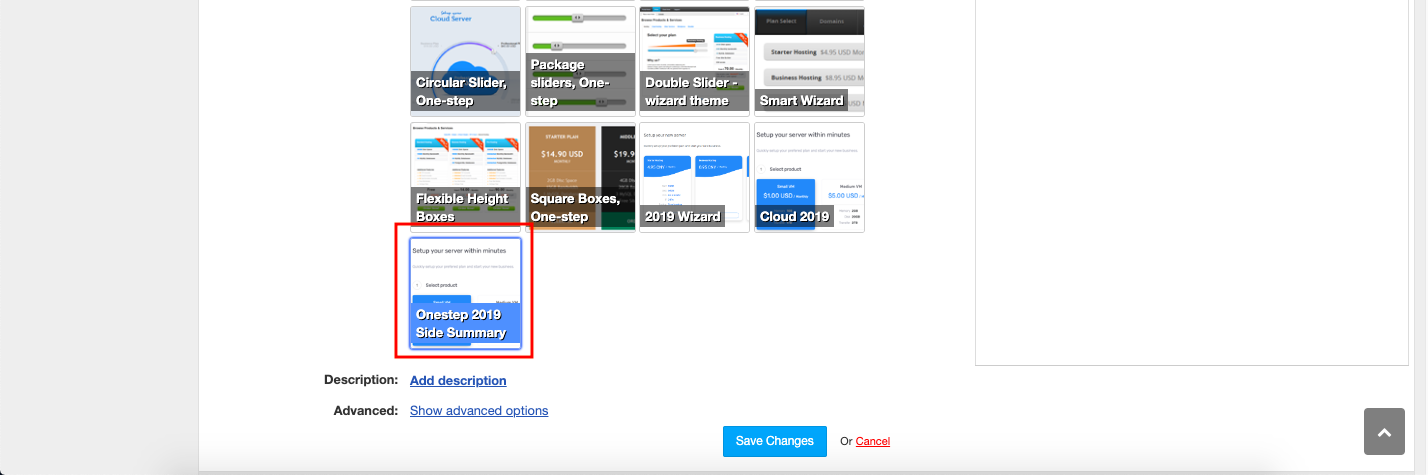
This order page offers some customization you can do from admin panel. Click on the "Customize button" to edit the template. Here you have the options to:
- View editable areas
- Edit Header text
Edit Sub-header text
- Remove product choosing if only one product is available
- Show additional features for products
- Automatic scrolling for configuration after selecting the product
Show parent category contents
Show billing cycles in summary
Add Country flag
Add Simple field for domain registering
Display ribbon
- Ribbon text
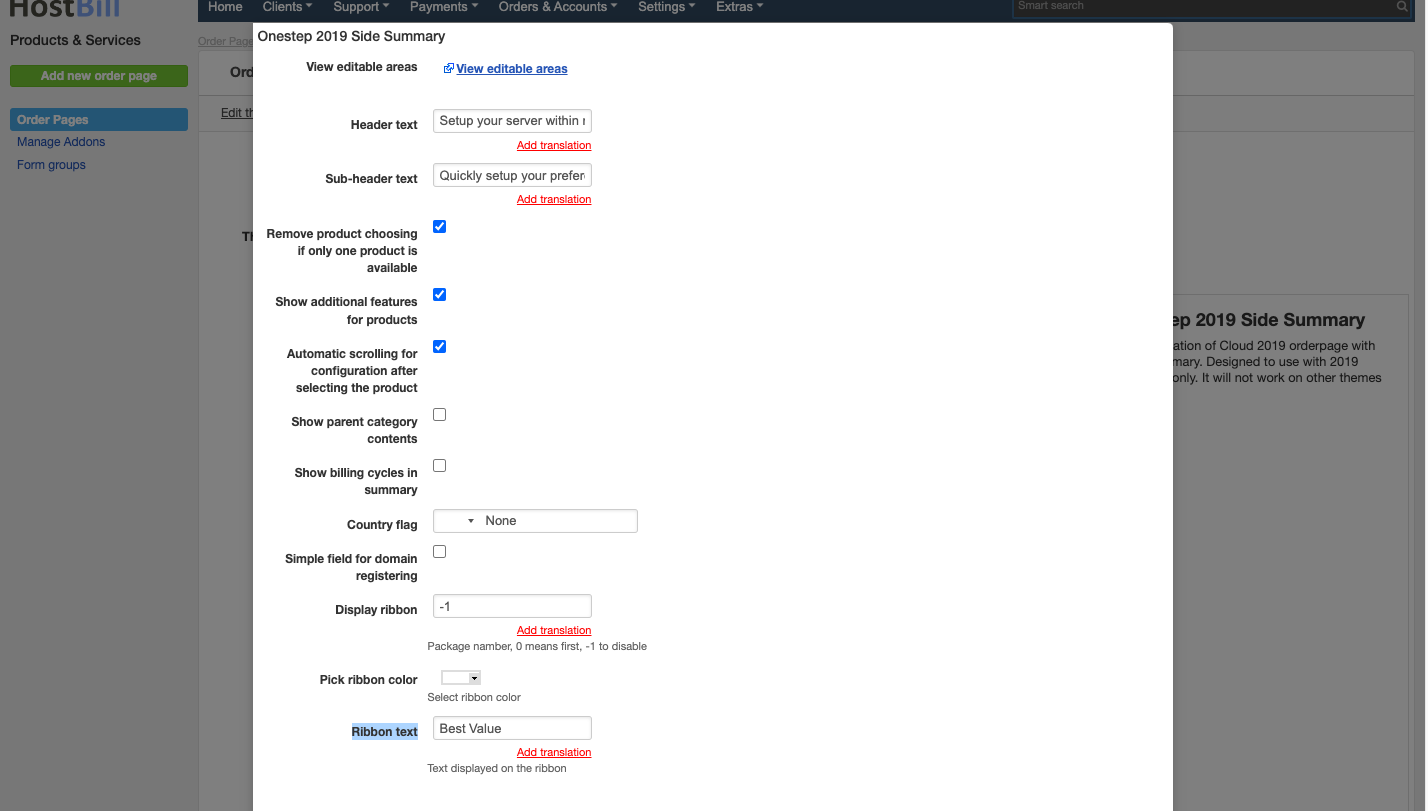
- Save changes to save order page settings.
You can now edit your products under this orderpage, following product description setup:
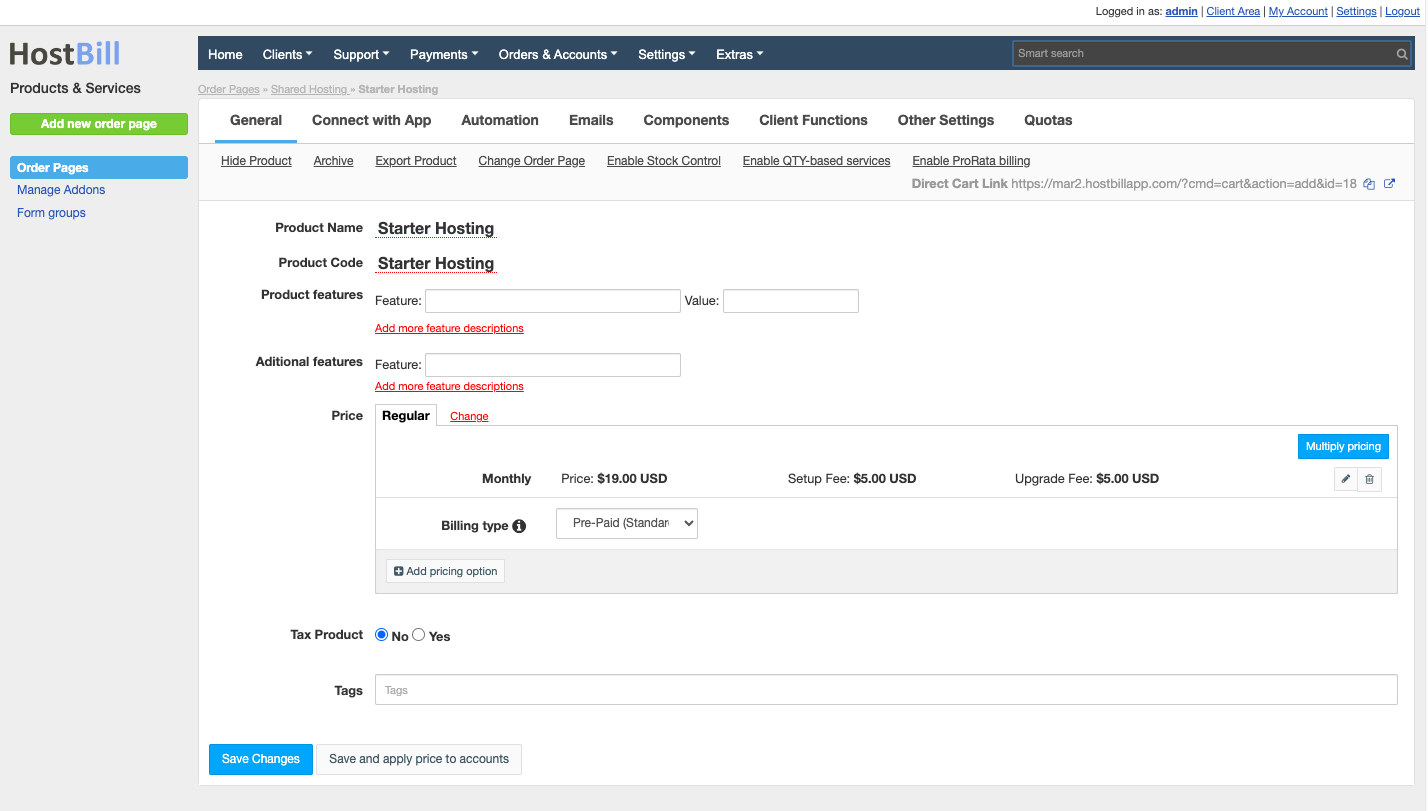
Will result in following order page layout: